SEO & performance
A practical technical SEO checklist for your business website
Learn how crawlable pages, clear service content, canonical URLs, internal links and page performance support a search-friendly business website.
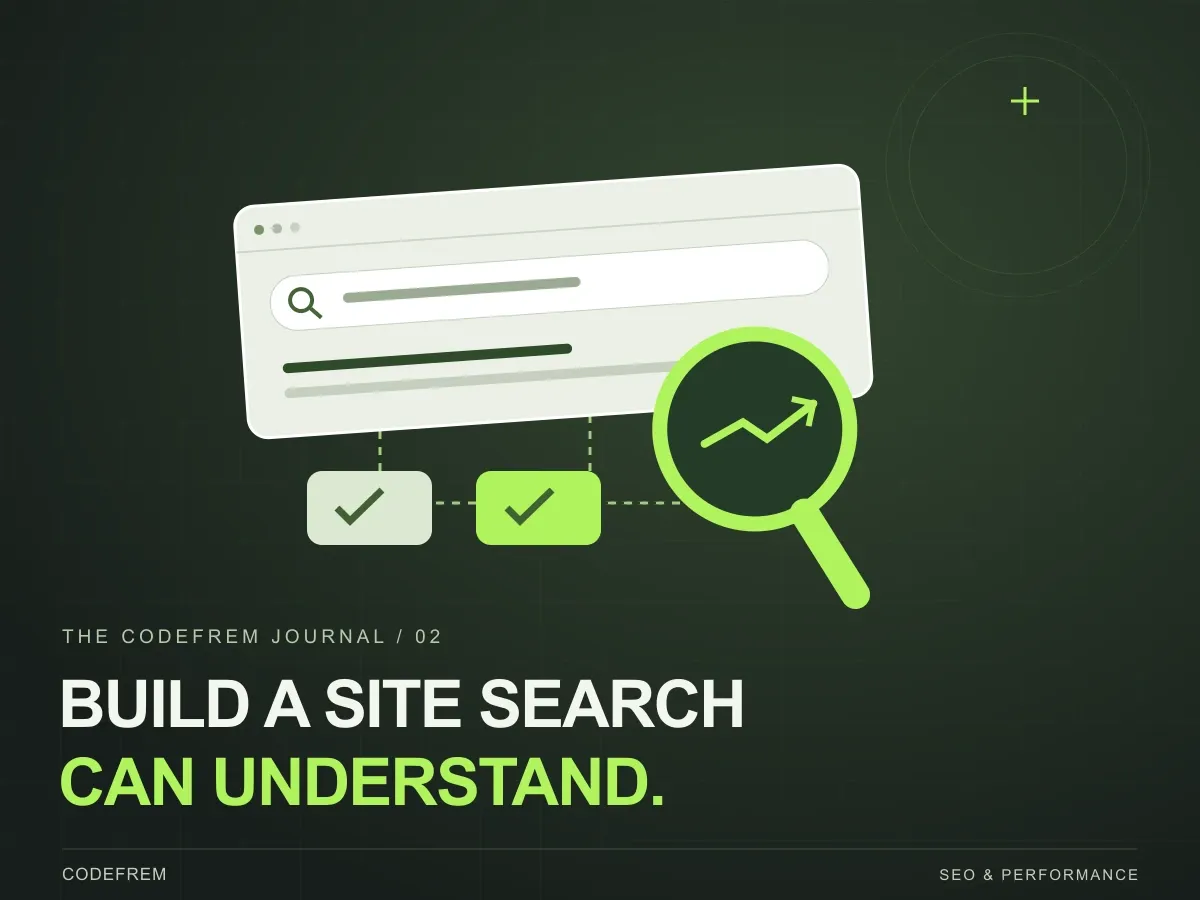
A business website can look polished and still leave important questions unanswered: what do you offer, who is it for and how can someone take the next step? Search-friendly web development combines a clear answer to those questions with pages that search engines can access. This checklist gives business owners a practical way to review those foundations with their developer.
THE SHORT VERSION
Make your pages accessible to search engines, describe your services clearly and measure what happens after launch. Technical SEO supports useful content; it cannot replace it.
1. Check that important pages can be accessed
Start with the pages you want people to discover: your homepage, individual services, selected work and useful articles. They should load successfully, contain their main content and be linked from elsewhere on the site. A page that only appears after a form submission or an internal search is harder to discover through normal navigation.
When the site goes live, inspect important URLs in Google Search Console. Check for accidental noindex directives, blocked resources and incorrect redirects. A sitemap helps communicate the URLs you care about, but submitting one does not guarantee indexing. Keep private or unfinished pages out of the public content plan.
2. Give each service a clear purpose
Use a descriptive page title, a clear main heading and a short explanation of the service. A visitor should understand the problem you solve without interpreting a vague slogan. Include the process, expected deliverables, relevant examples and an obvious next step. Write in the language customers use when asking you for help.
Avoid making several nearly identical pages that only swap a keyword or location. Separate pages are useful when they answer genuinely different needs. For a development studio, an ecommerce build and ongoing website maintenance involve different questions, so each can justify its own detailed page.
See how codefrem organises its design and development services
3. Keep URLs and internal links consistent
Choose one preferred URL for each page and use it consistently in navigation, canonical metadata and the sitemap. When replacing an existing page, map its old URL to the closest relevant new destination. Sending every old page to the homepage can leave visitors without the information they expected.
Link related content using descriptive text. An article about choosing a website approach can point to a custom development service and a relevant project. This gives readers a useful next step and helps search engines discover connected pages. Breadcrumbs provide another way to understand where an article sits within the site.
4. Review the experience on a real phone
Test the page with a narrow screen and a slower connection. Compress large images, deliver appropriately sized versions and reserve space for media so the layout does not jump as it loads. Keep the main content available promptly, and avoid loading unnecessary scripts before someone can read or interact with the page.
Google’s Core Web Vitals describe loading performance, responsiveness and visual stability. Use real-user reports where available alongside diagnostic tools. A good test score alone does not guarantee strong rankings, and an attractive desktop screenshot does not tell you whether a contact form is usable on mobile.
5. Describe the content accurately
Give each indexable page its own title and description. Add sharing images so a link has a useful preview when someone sends it to a colleague. For an article, include a visible author, a publication date and an informative heading. Update the modification date when the content is meaningfully revised, not every time the site is rebuilt.
Structured data can describe an article’s headline, author, image and dates in a machine-readable format. It should agree with the content that visitors can see. Validate the markup, but do not treat it as a ranking shortcut or a promise that Google will display a particular search feature.
6. Review search visibility after launch
After publishing, use Search Console to review indexing, search queries and the pages receiving impressions. Pair that with privacy-conscious analytics for enquiries or purchases. If people find a page but rarely take the next step, inspect the offer and the user journey as well as the technical setup.
At codefrem, website development includes thinking about readable content, navigable page structures and maintainable implementation. A useful starting brief is a list of the services you want to be found for, the customers you want to help and the questions they ask before getting in touch.